A close local match can turn on one detail: a missed wide, an incorrect run-out entry, or a score that no one can verify after the final ball. A cricket scoring app, mycric.app, gives teams and organizers a practical way to record the game as it happens, keep the score visible, and create a clearer match record for players, parents, coaches, and league officials.
For recreational cricket, school fixtures, club tournaments, and corporate events, digital scoring is not about replacing the energy of the scorer’s table. It is about making that role faster, more accurate, and easier to share. The right setup helps every participant focus on the match rather than reconstructing the scorecard afterward.
Why digital scoring matters on local cricket grounds
A paper scorebook still has its place, especially when a club has experienced scorers and established processes. But it can be slow to update, difficult for spectators to follow, and vulnerable to rain, rushed handwriting, or simple calculation errors. When a game has multiple innings, substitute fielders, extras, retirements, and changing bowling spells, small errors can quickly become major disputes.
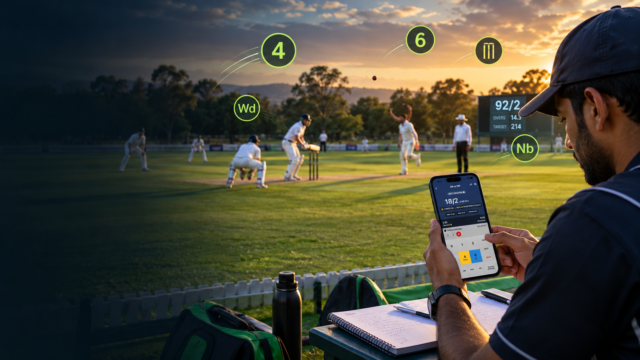
A scoring app brings the key events into one match flow. Each delivery can be entered in sequence, allowing the scorer to build an innings rather than total it afterward. That makes it easier to track runs, wickets, overs, individual batting contributions, bowling figures, and extras while the action is still fresh.
The value is especially clear for organizers running several matches in a day. Instead of collecting score sheets at the end of each fixture, they can work from a consistent digital record. Teams get results sooner, and coaches can begin reviewing performance without waiting for someone to type up the scorecard at night.
Using MyCric.app with a match-ready routine
The best scoring app will only be as reliable as the person using it. Before the toss, assign one scorer who understands cricket scoring rules and one backup person who can step in if needed. The scorer does not have to be a coach or captain, but they should know how to record legal deliveries, no-balls, wides, byes, leg byes, wickets, and boundary outcomes correctly.
Start by confirming the match details. Team names, player names, format, number of overs, and competition rules should be checked before the first ball. This avoids the most frustrating kind of correction: discovering halfway through the innings that a player was entered under the wrong name or that the match was set for the wrong over limit.
As the innings begins, keep the process simple. Record each ball immediately, then make a quick visual check of the total at the end of every over. This short habit catches most entry errors before they affect bowling figures or target calculations. If the app supports score sharing or live viewing, tell parents and spectators where they can follow the match before play starts, not after the score becomes close.
For tournament organizers, use the same naming format for every team and player. Consistency matters when results are reviewed across a full season. “Doha Cricket Club U15” should not appear as three different variations in separate fixtures. Clear names make standings, player records, and result searches far easier to manage.
Keep a practical backup
Technology helps, but match conditions should shape the plan. A long outdoor fixture in heat, bright sun, or a remote ground calls for a charged phone or tablet, a power bank, and a paper score sheet as backup. If internet access is inconsistent, test whether the selected scoring process can continue offline and sync later.
This is not unnecessary caution. Local cricket is often played across community grounds, schools, camps, and facilities where connectivity varies. A prepared scorer protects the integrity of the game without slowing it down.
What to look for in a cricket scoring app
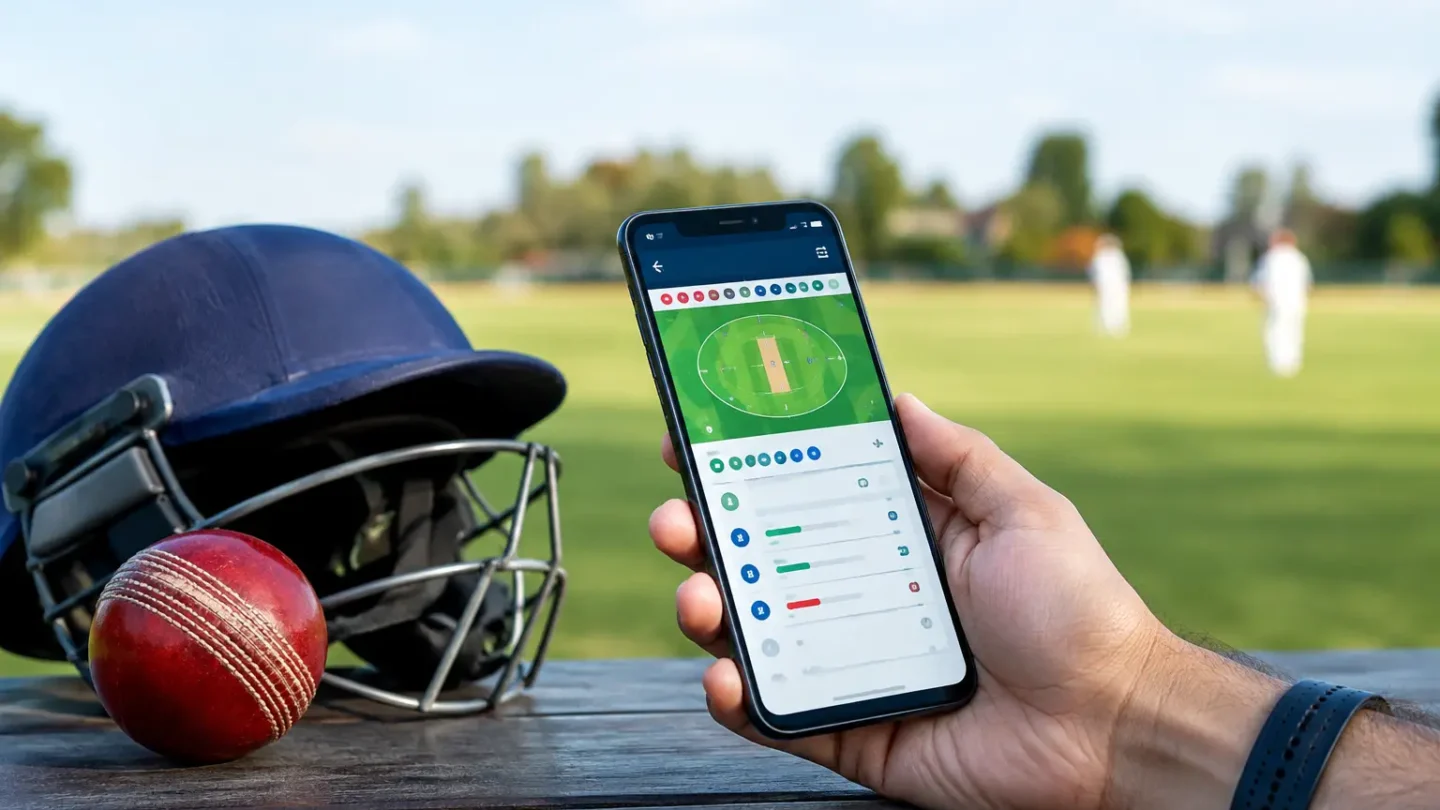
Not every cricket scoring app suits every level of play. A casual weekend group may only need a clean ball-by-ball score and a result. A school league or established club may need player records, fixtures, standings, match history, and easy scorecard access for families and administrators.
When considering MyCric.app or any other scoring option, begin with the match format you run most often. A tool that feels comfortable for a 10-over social game may be less suitable for a multi-team league with formal rules. Check how easily the scorer can set overs, teams, player lineups, and dismissal types before committing to it for a competition.
Ease of use matters more than a long feature list. The scorer should be able to enter common outcomes quickly without hunting through complicated screens. At the same time, the app should allow corrections when the umpire changes a decision or the scorer realizes a run was assigned incorrectly. Fast entry and clear editing are both essential.
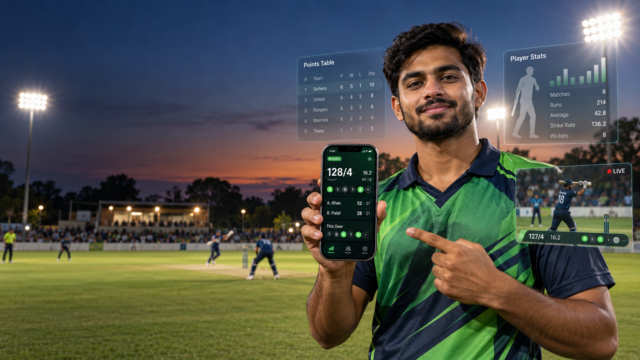
Look closely at how results are presented. A useful scorecard should make it easy to see batting, bowling, extras, fall of wickets, total overs, target, and final result. If you are managing a league, confirm that the data can support your competition’s needs, including points, net run rate calculations where applicable, and a visible match archive.
Privacy is another practical consideration, particularly with junior teams. Decide who needs access to player names, match details, and performance records. Schools and clubs should have a clear policy for sharing results and photos, with parents and organizers aligned before the season begins.
Better scoring starts with better match organization
An app can record the numbers, but a well-run match needs the right equipment and defined roles around it. Marked boundaries, visible stumps, properly sized cricket bats, reliable balls, protective gear, and a stable scorer’s position all contribute to a cleaner game. When teams arrive prepared, the scorer has fewer interruptions and can concentrate on the ball-by-ball record.
For practice matches, use the scorecard as a coaching tool rather than just a final result. A batter can see whether boundaries came early or late in the innings. A bowler can review economy and wicket-taking spells. A captain can identify how many runs came from extras or whether the fielding side lost control in a particular over range.
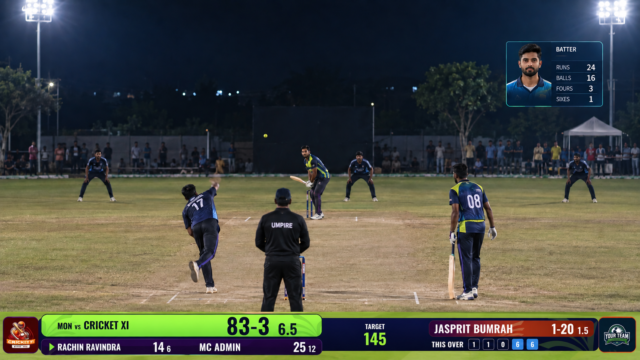
The numbers need context. A player’s score of 25 from 18 balls may be excellent in a short-format chase and less useful in a longer innings that needed stability. Similarly, a bowler’s wicket count matters, but so do the runs conceded, the match situation, and the quality of deliveries bowled. Digital records make these conversations more specific, but coaches should avoid judging players from a single scorecard.
Riyadha supports the preparation side of the game with cricket equipment for players, schools, clubs, and sports programs that want to get match-ready. Pairing dependable gear with a disciplined scoring process gives every fixture a more professional standard, whether it is a family game or a structured local competition.
Make the scorecard part of the experience
The strongest benefit of digital scoring is not simply speed. It gives the match a shared reference point. Players know where the innings stands. Captains can make informed decisions. Spectators stay connected to the chase. Organizers can confirm results without sorting through unclear notes after the ground has emptied.
Set up the lineup carefully, appoint a scorer, keep a charged backup device nearby, and review the result with both captains once the final ball is recorded. With that routine in place, MyCric.app can help turn every local fixture into a match that is easier to follow, easier to verify, and more rewarding to remember.