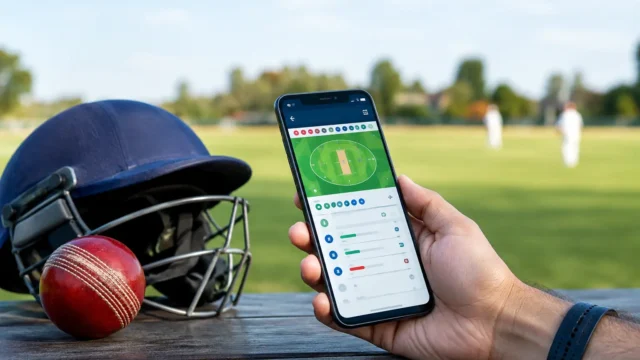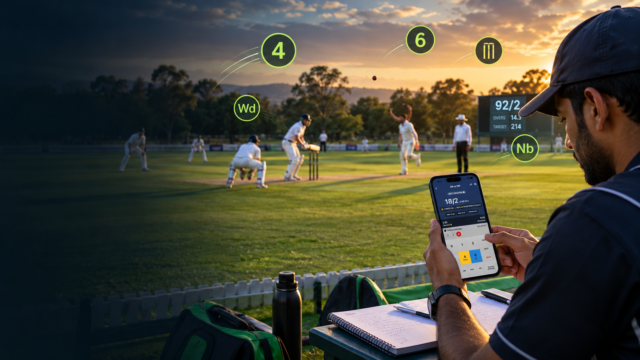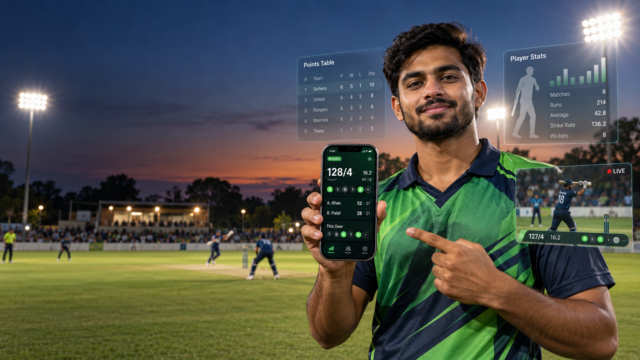
Grassroots cricket has changed. A live stream is no longer judged only by whether viewers can see the action. Supporters now expect the same basic broadcast information they see on television: the score, overs, wickets, batter statistics, bowling figures, targets, partnerships and tournament updates.
The good news is that you do not need a television production truck or a large broadcast crew to deliver that experience. With accurate live scoring, well-designed cricket broadcast overlays and a simple streaming setup, local leagues, school competitions, academy matches and community tournaments can look professional on YouTube, Facebook or any RTMP-supported platform.
This guide explains what TV-quality cricket graphics include, what equipment you need and how MyCric can help connect live match data to your broadcast.
What Are Cricket Broadcast Overlays?
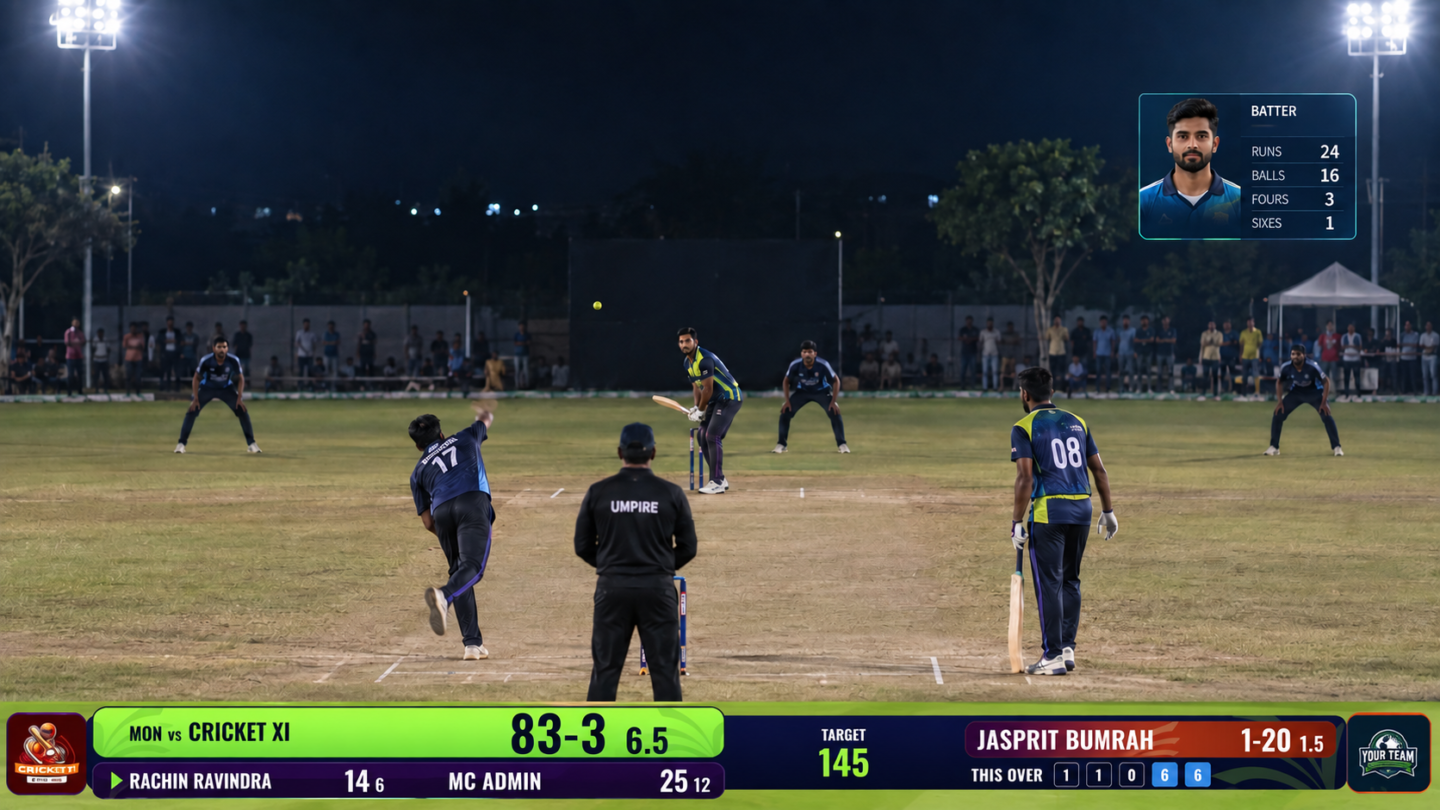
Cricket broadcast overlays are the graphics placed above a live video feed to show match information. The most familiar example is the score bar at the bottom of the screen, but a complete graphics package can include much more.
- Live score, wickets, overs and current run rate
- Batter names, runs, balls, fours, sixes and strike rates
- Bowler figures, economy rate and over progress
- Target, runs required and required run rate
- Partnership and recent-over summaries
- Playing XI and team line-ups
- Points tables, fixtures and tournament standings
- Player milestones, wickets and result graphics
- Sponsor logos and branded announcements
These elements help viewers understand the match immediately. Someone joining midway through an innings should be able to identify the teams, current situation and key players without waiting for commentary.
Why Grassroots Cricket Benefits from Broadcast-Style Graphics
A clean overlay does more than make a stream attractive. It improves the experience for players, organisers, sponsors and supporters.
A more professional viewing experience
Static camera footage can feel informal even when the cricket is excellent. A live score bar and timely match graphics add structure and make the stream easier to follow.
Better visibility for players and teams
When player names and performances appear on screen, local cricketers receive recognition beyond the boundary. Highlights containing accurate names and statistics are also easier to share on social media.
More value for sponsors
Sponsors want visible, consistent exposure. Branded scorecards, sponsor panels and match graphics can provide repeated visibility without interrupting the action.
Stronger tournament identity
Using the same colours, logos and graphic style across every match makes a competition feel organised. It also helps audiences recognise the tournament across live streams, highlights and promotional posts.
What You Need for a Professional Grassroots Cricket Broadcast
A practical setup can begin with four core components.
- A reliable video source: This may be a smartphone, action camera, DSLR, mirrorless camera or dedicated video camera.
- A stable internet connection: Test upload speed at the venue and keep a mobile-data backup where possible.
- Broadcast software: OBS Studio and vMix are commonly used to combine video, audio and browser-based graphics.
- A live scoring and overlay system: This supplies accurate match data and displays it in a broadcast-ready layout.
You can start with one camera and one operator. As the tournament grows, you can add multiple camera angles, a commentator, instant replays and a dedicated graphics controller.
How to Get TV-Quality Cricket Broadcast Overlays
1. Start with accurate live scoring
Graphics are only as reliable as the data behind them. Your scoring system should correctly handle legal and illegal deliveries, wides, no-balls, byes, leg byes, wickets, strike changes, innings targets and match results.
A digital scoring workflow also reduces the need for a graphics operator to retype every update. When the scorer records a delivery, the broadcast overlay can reflect the latest match situation in real time.
2. Choose the right overlays for each moment
Do not display every statistic at once. A compact score bar should remain visible during play, while larger panels should appear only when they add context.
For example, show the new batter panel after a wicket, bowling figures at the beginning of an over, the target graphic before a chase, and a match summary at the innings break. This creates a broadcast rhythm that feels informative rather than crowded.
3. Keep the design clear and readable
Broadcast graphics are viewed on phones as well as televisions. Use strong contrast, legible type, short labels and enough spacing around scores. Team colours can strengthen the design, but readability should come first.
Avoid oversized sponsor logos, decorative fonts and excessive animation. The best cricket overlays feel polished because the information hierarchy is clear.
4. Connect the overlay to OBS or vMix
Browser-based overlays can usually be added as a browser source in streaming software. The overlay sits on top of the camera feed with a transparent background.
Before going live, verify the canvas size, frame rate, safe margins and transparency. Test the score bar, wickets, innings transitions and sponsor panels with a practice match so the production team understands when each graphic should appear.
5. Prepare branding before match day
Collect team names, logos, player profiles, sponsor artwork and tournament colours early. Consistent source files prevent last-minute layout problems and spelling errors.
It is also helpful to prepare a match-day checklist covering the stream key, camera power, internet backup, audio levels, scorer access and overlay controls.
Using MyCric for Live Scoring and Broadcast Graphics
MyCric brings scoring, match data and presentation tools into one cricket-focused workflow. Organisers can manage matches and tournament information while the production team uses dedicated graphics for the live stream.
Depending on the match and tournament setup, the broadcast can display a compact live score bar, batting and bowling statistics, playing XI graphics, match summaries, targets, partnerships, fixtures, standings, tournament statistics, player awards and sponsor panels.
Because the graphics are connected to live match information, updates can appear without repeatedly rebuilding designs during play. This helps small production teams deliver a smoother stream and reduces avoidable on-screen errors.
Learn more about the MyCric platform at mycric.app. Tournament organisers who also run player auctions can explore the professional auction system at auction.mycric.app.
Common Mistakes to Avoid
- Skipping a full rehearsal: Test the scoring and graphics workflow before the first official match.
- Using low-resolution logos: Request transparent PNG or SVG files from teams and sponsors.
- Showing too much information: Keep the main score bar simple and use separate panels for detailed statistics.
- Ignoring mobile viewers: Preview the live stream on a phone before approving the design.
- Relying on one internet connection: Keep a backup connection available at the venue.
- Giving everyone control: Assign clear roles for scoring, streaming and graphics to prevent accidental changes.
A Simple Match-Day Workflow
- Create the match and confirm team and player details.
- Open the scoring controller and select the playing XI.
- Add the overlay URL to OBS or vMix as a browser source.
- Check team logos, colours, score visibility and screen-safe placement.
- Run a short test stream and score several practice deliveries.
- Start the official stream, then control special graphics when required.
- At the end, show the result or match-summary graphic and save the recording for highlights.
Final Thoughts
TV-quality cricket coverage is no longer limited to professional stadiums. The real difference comes from accurate data, thoughtful graphic timing, consistent branding and a reliable production workflow.
For grassroots cricket, the aim is not to imitate every element of a major television broadcast. It is to give supporters the information they need, recognise local players and present the tournament with confidence. A clean MyCric overlay setup can help turn an ordinary live stream into a broadcast that teams, sponsors and fans are proud to share.
Ready to improve your next cricket live stream? Visit MyCric to explore live scoring, tournament management and professional cricket broadcast overlays.